
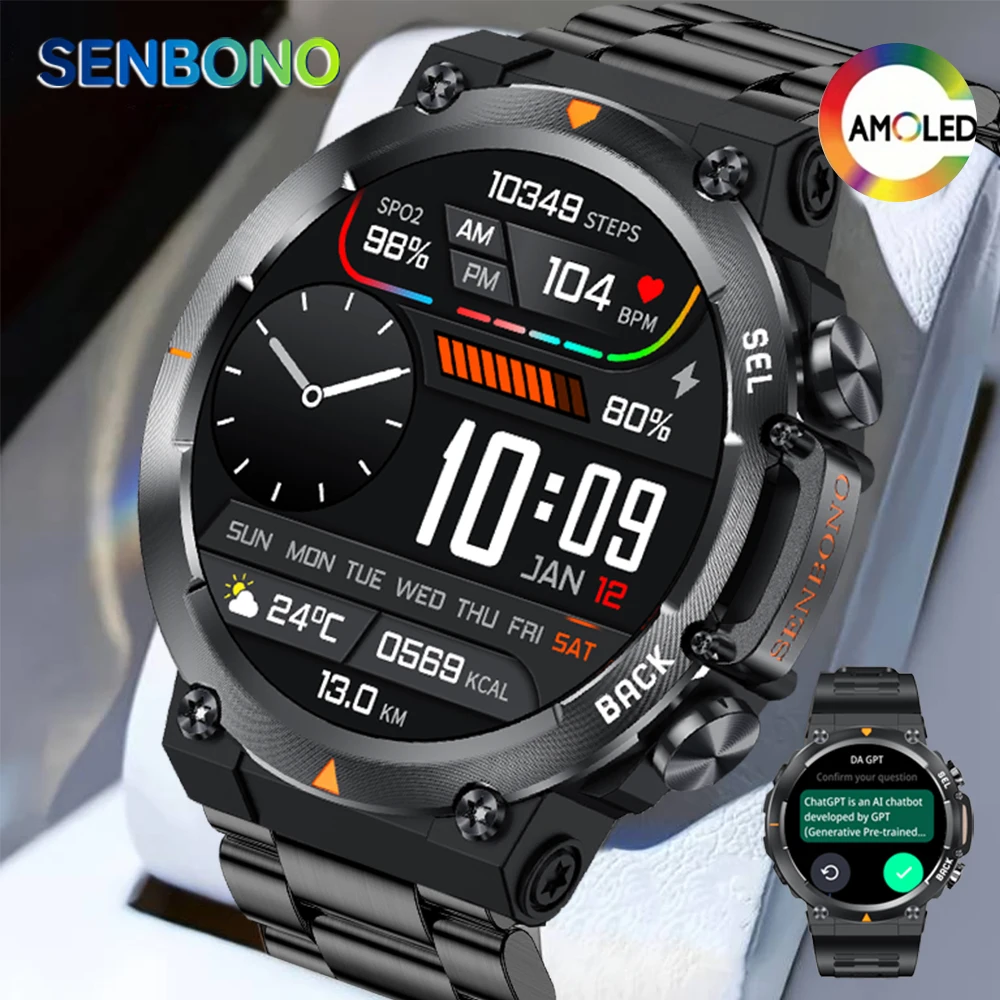



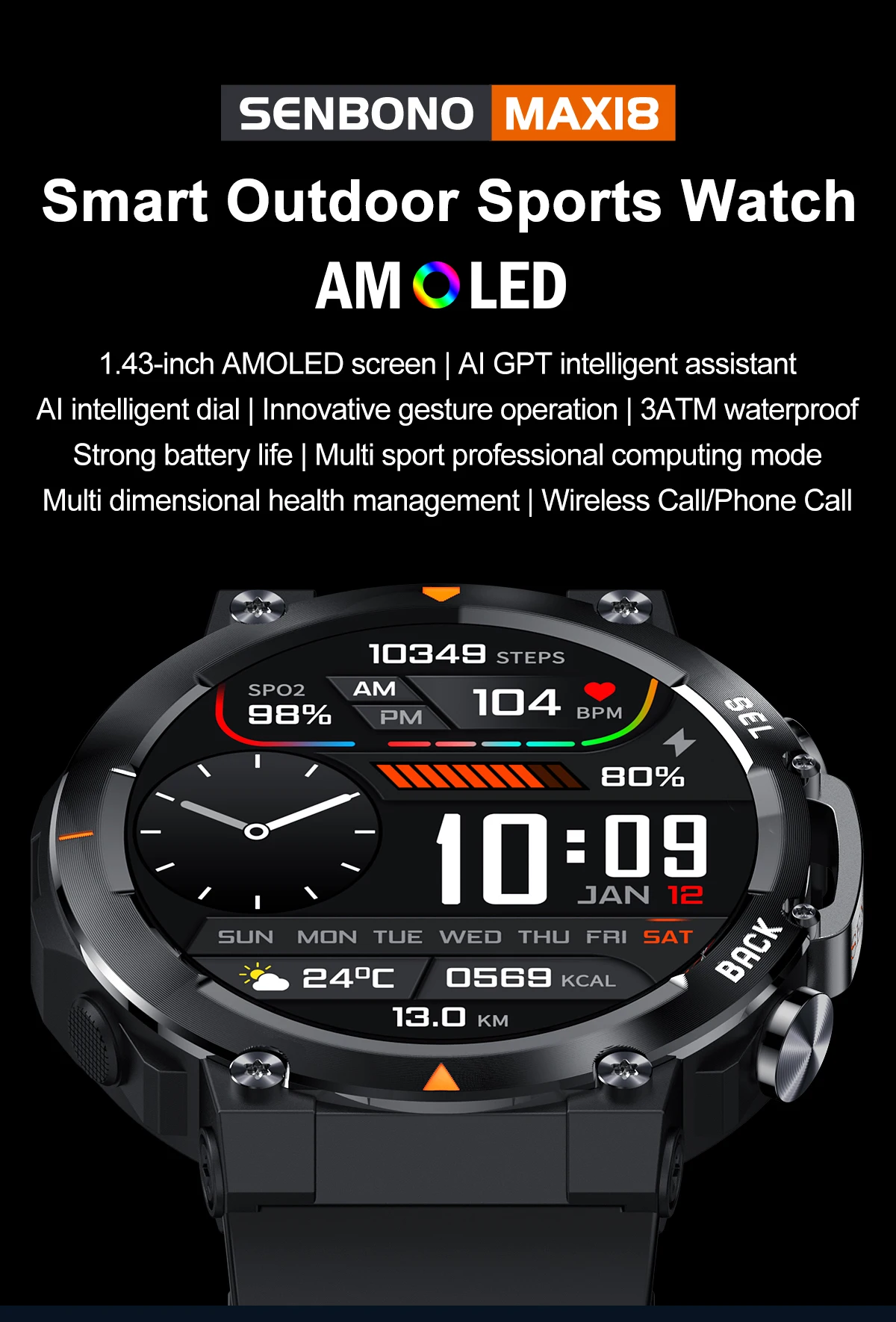
SENBONO MAX18 Smart Watch for Men AMOLED Screen AI GPT Bluetooth Call 410mAh Big Battery Fitness Tracker Men’ Sport Smartwatch
$59.53 – $63.23
- Hign-concerned Chemical: None
- Band width[mm]: 22mm
- Voice assistant built-in: No
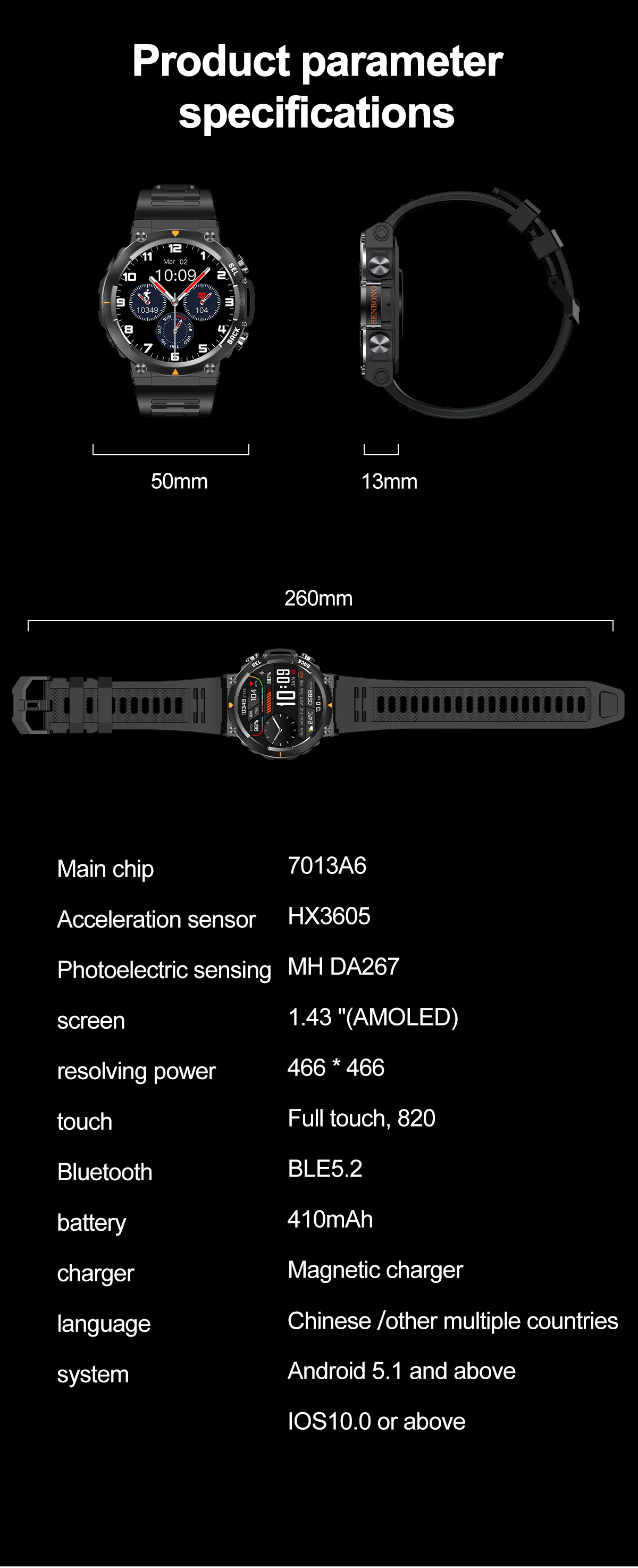
- Bluetooth-compatible Version: 5.2
- Support Alexa: N
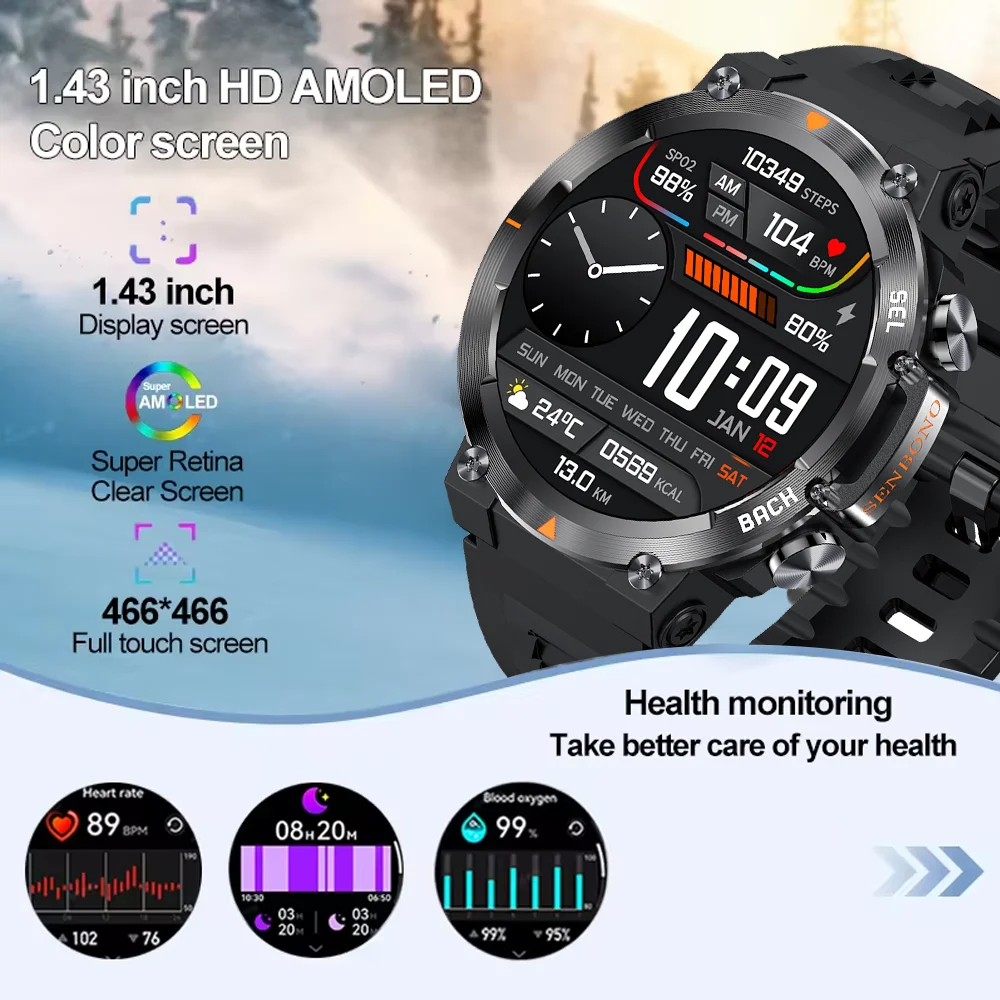
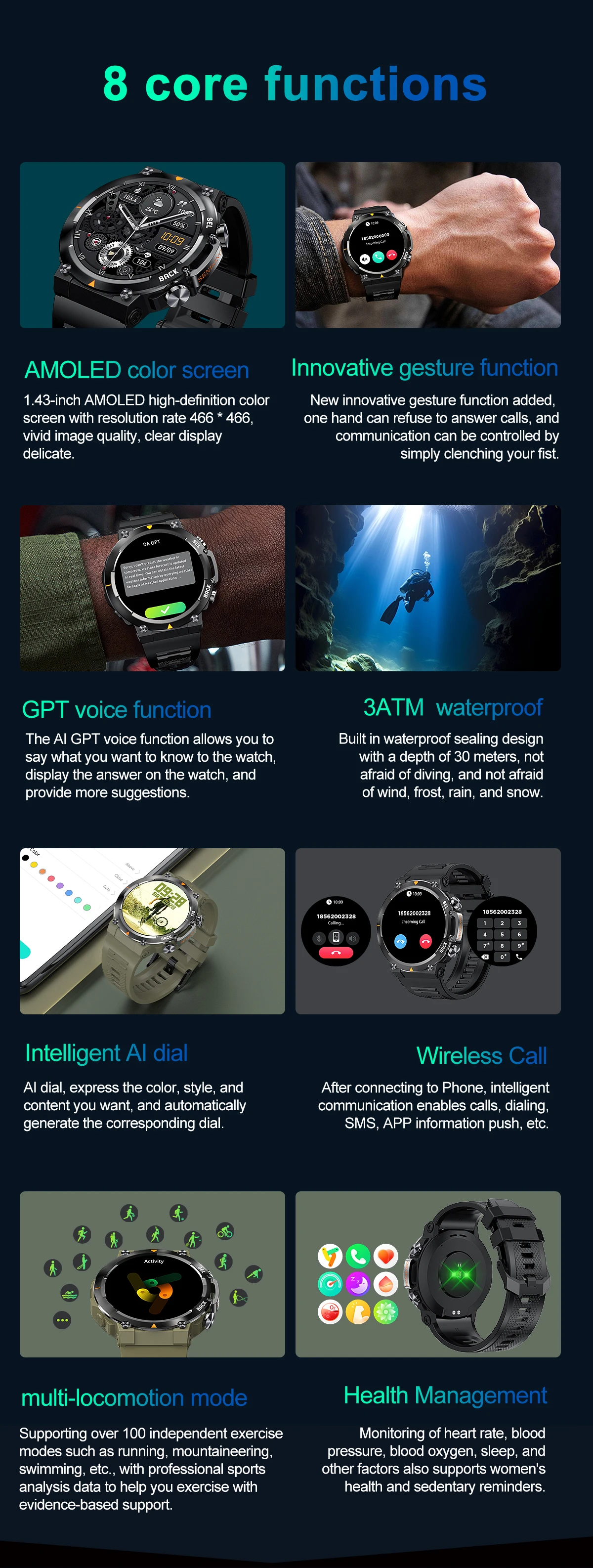
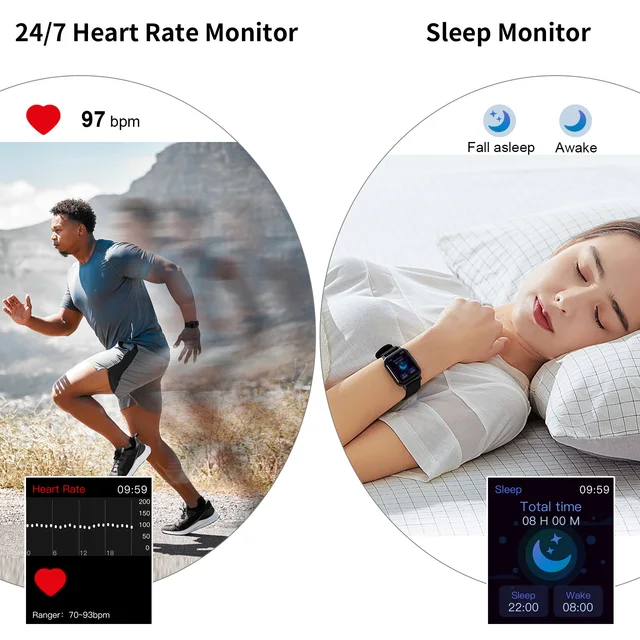
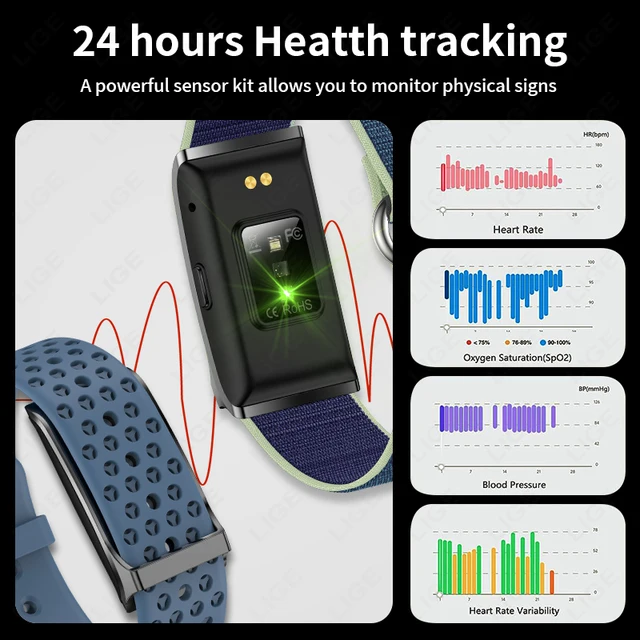
- Metrics measured: Heart Rate Monitor,Blood Oxygen Monitor,Sleep Monitor,Blood Pressure Monitor
- Activity Tracked: Steps Tracker,Distance Tracker,Calorie Tracker,Activity Tracker
- Touch Screen: Yes
- Category: Smart Watches
- App name: Da Fit
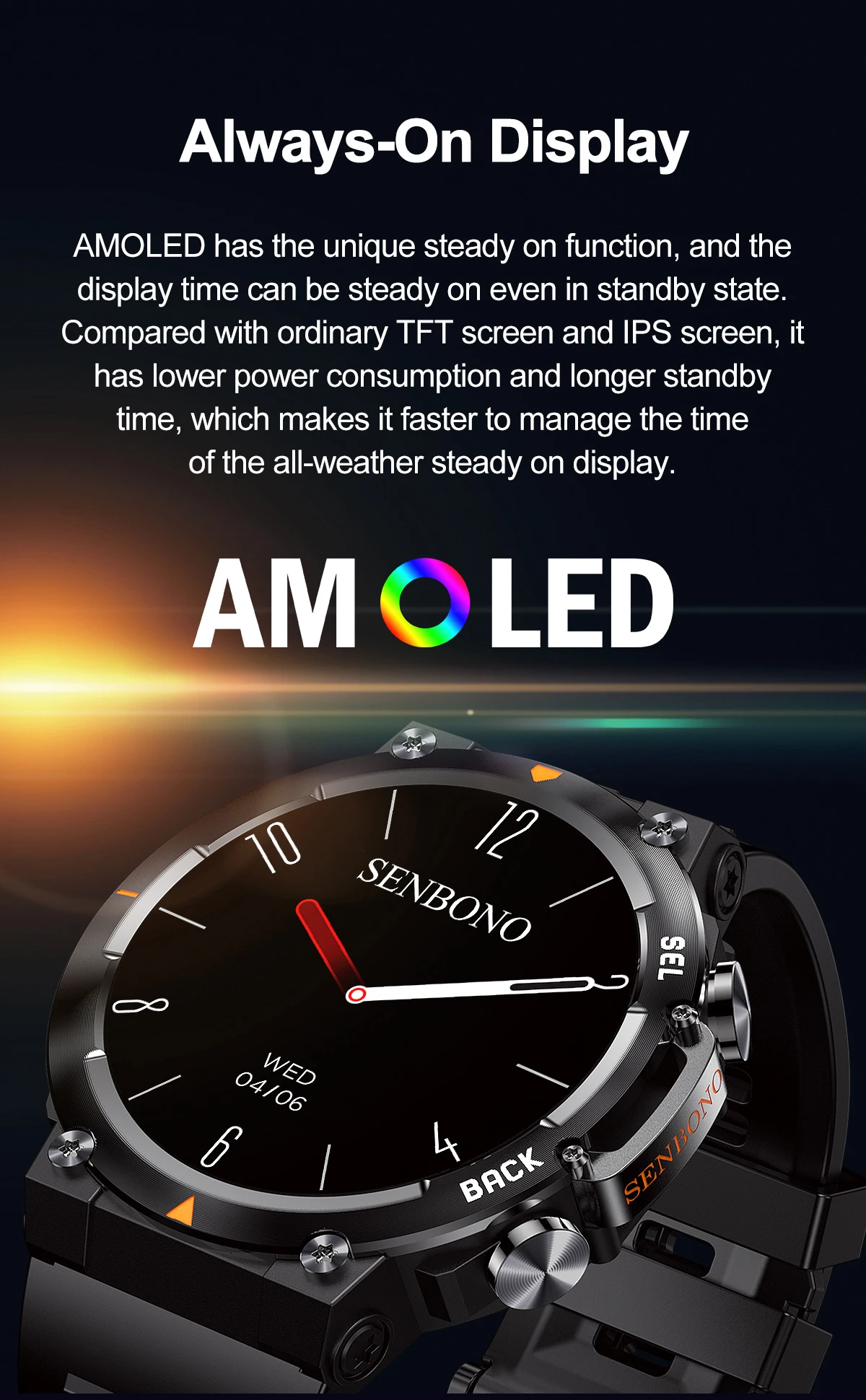
- Screen Material: AMOLED
- Model: MAX18 Smart watch
- APP Download Available: No
- Battery Detachable: No
- Movement Type: Electronic
- Style: SPORT
- Application Age Group: Adult
- Screen Shape: Round
- Case Material: Alloy
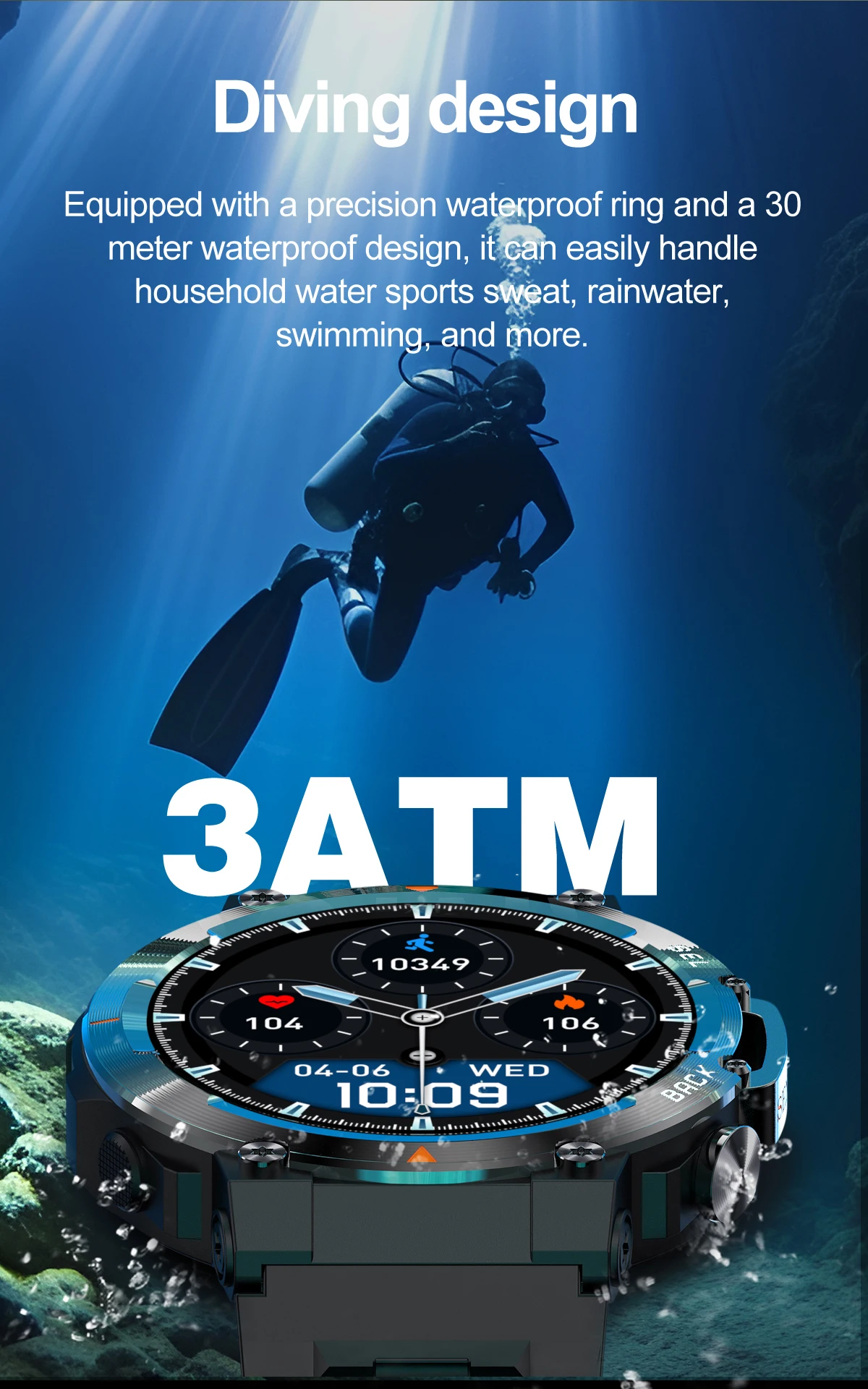
- Waterproof Grade: Professional Waterproof
- SIM Card Available: No
- Mechanism: No
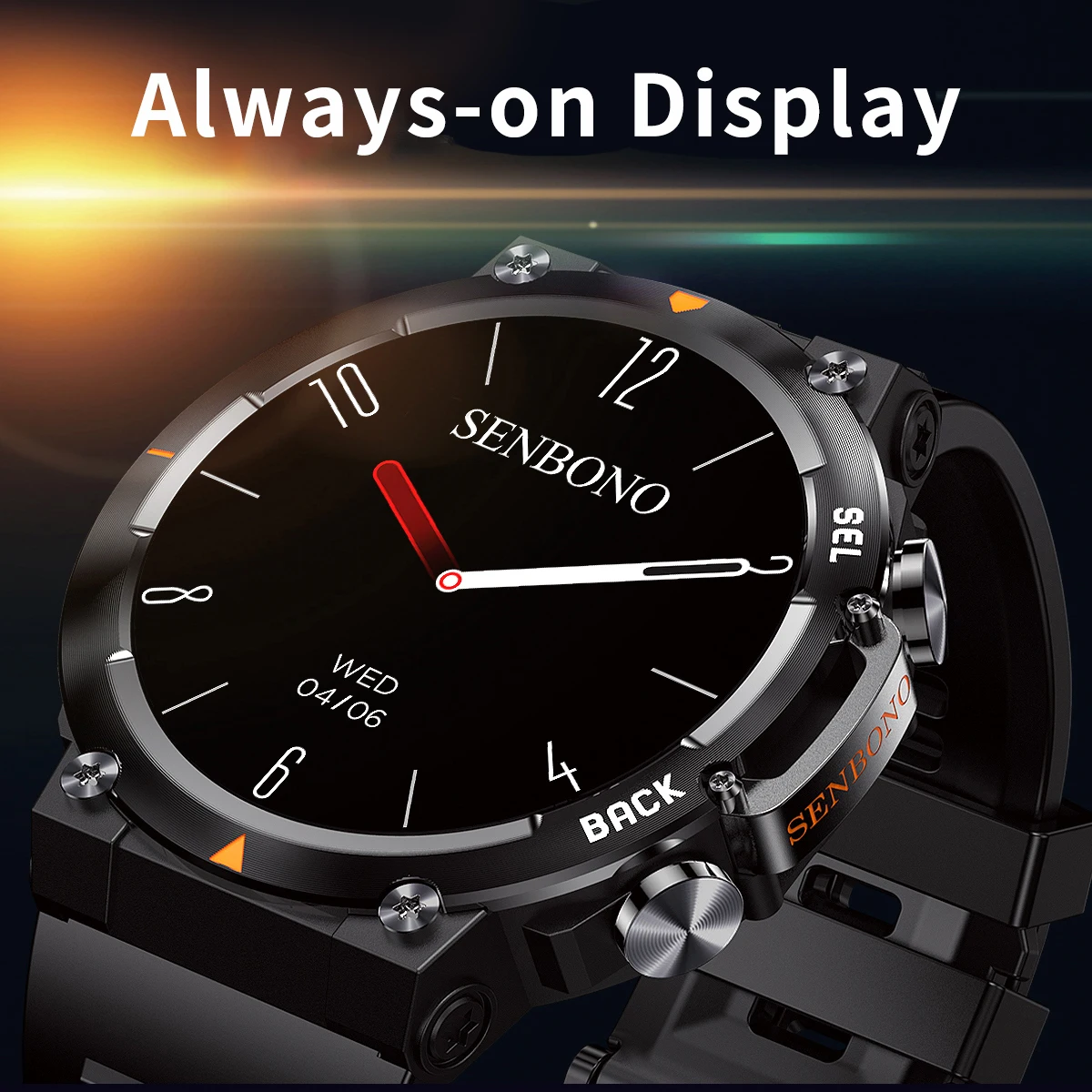
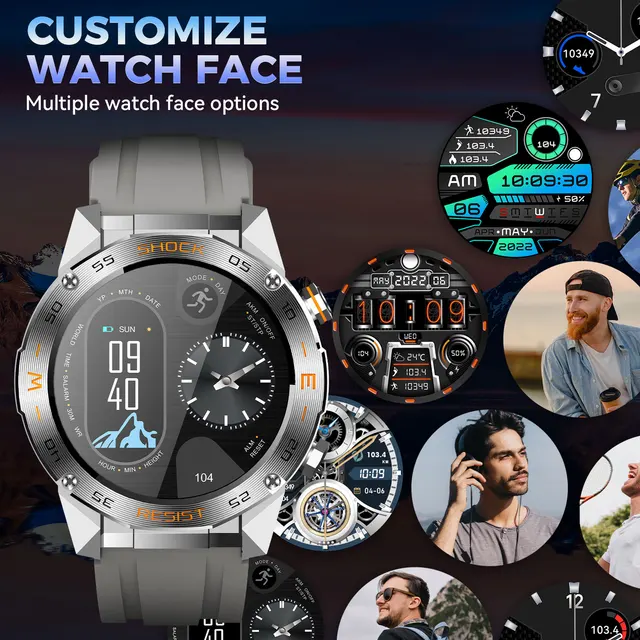
- Multiple Dials: Yes
- GPS: No
- Network Mode: None
- Rear Camera: None
- ROM: <128MB
- System: None
- Type: On Wrist
- Compatibility: All Compatible
- Language: English,Russian,Spanish,Portuguese,French,German
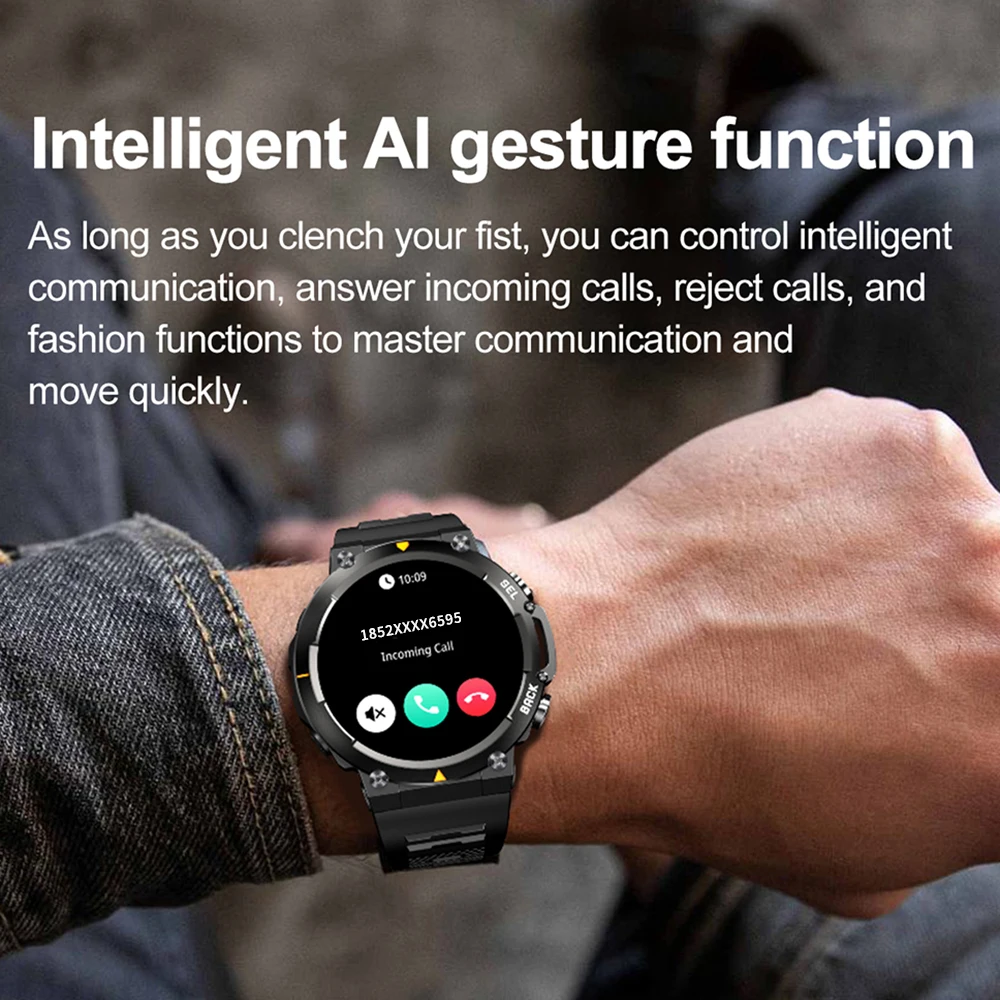
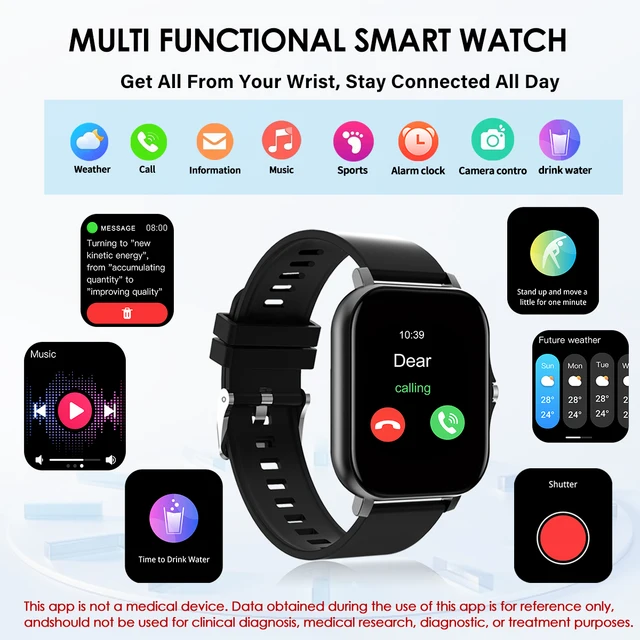
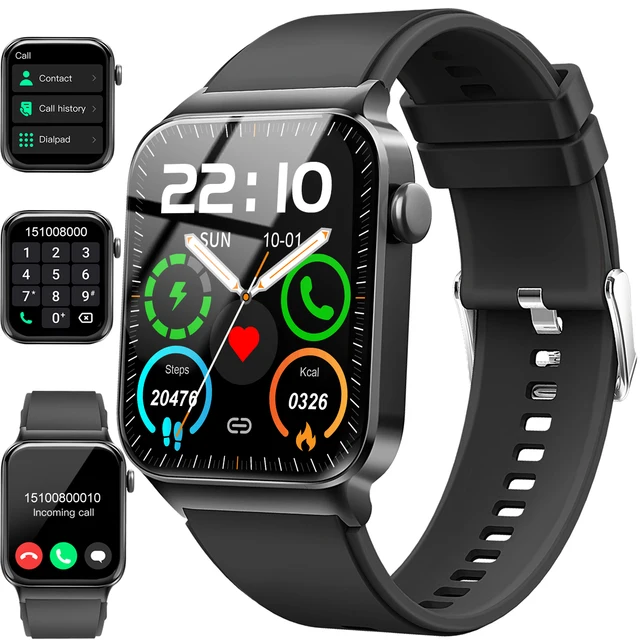
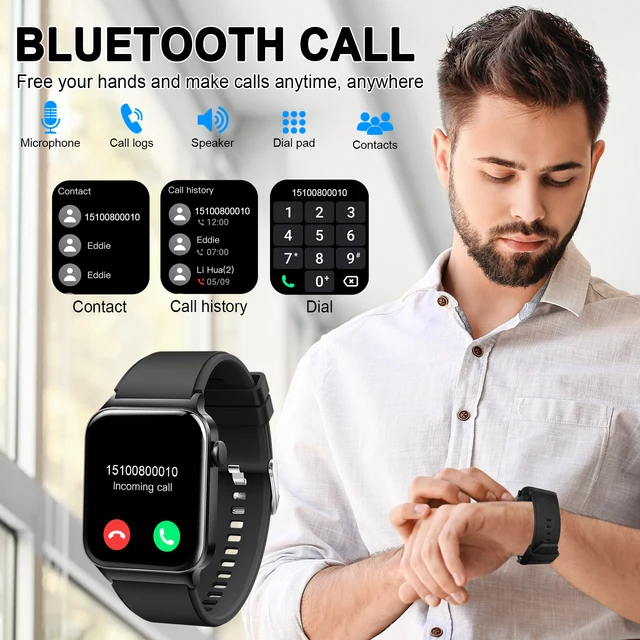
- Function: Passometer,fitness tracker,sleep tracker,Message Reminder,Call Reminder,Answer Call,Dial Call,REMOTE CONTROL,Push Message,24 hour instruction,Chronograph,Alarm Clock,Small Second,Power Reserve,week,Month,Heart Rate Tracker,Interactive Music,Noctilucent,Calendar,Countdown,Calculators,Oxymeter
- Brand Name: SENBONO
- Battery Life: 7days
- Display Size: 1.43inch
- RAM: <128MB
- Battery Capacity(mAh): 300-450mah
- Resolution: 466*466
- Origin: Mainland China
- Band Detachable: Yes
- Certification: FCC
- WIFI: No
Purchase Notice: Dear buyer, we will ship the goods you purchased from the mainland of the United States. The delivery range is only within the mainland of the United States, and we cannot deliver to Alaska and Hawaii. Thank you very much.
How to charge the watch?
1. Take out the charging cable in theproduct box;
2. Connect the charging cable to the watch;
3. Plug the charging cable into the power source;
4.Please charge the watch more than 3 hoursfirst time.
Note: Please do not use a computer or laptop to charge the watch, because the voltage of the computer and laptop is too low, and it takes a very long time to charge the watch to have enough energy.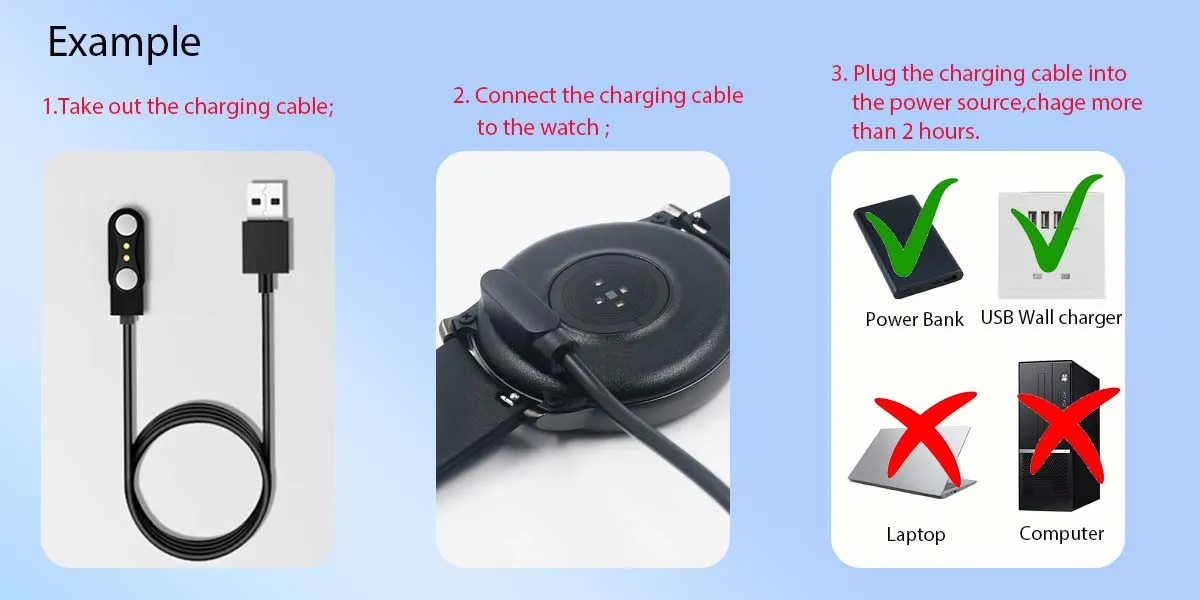 How to use AI Watch faces?
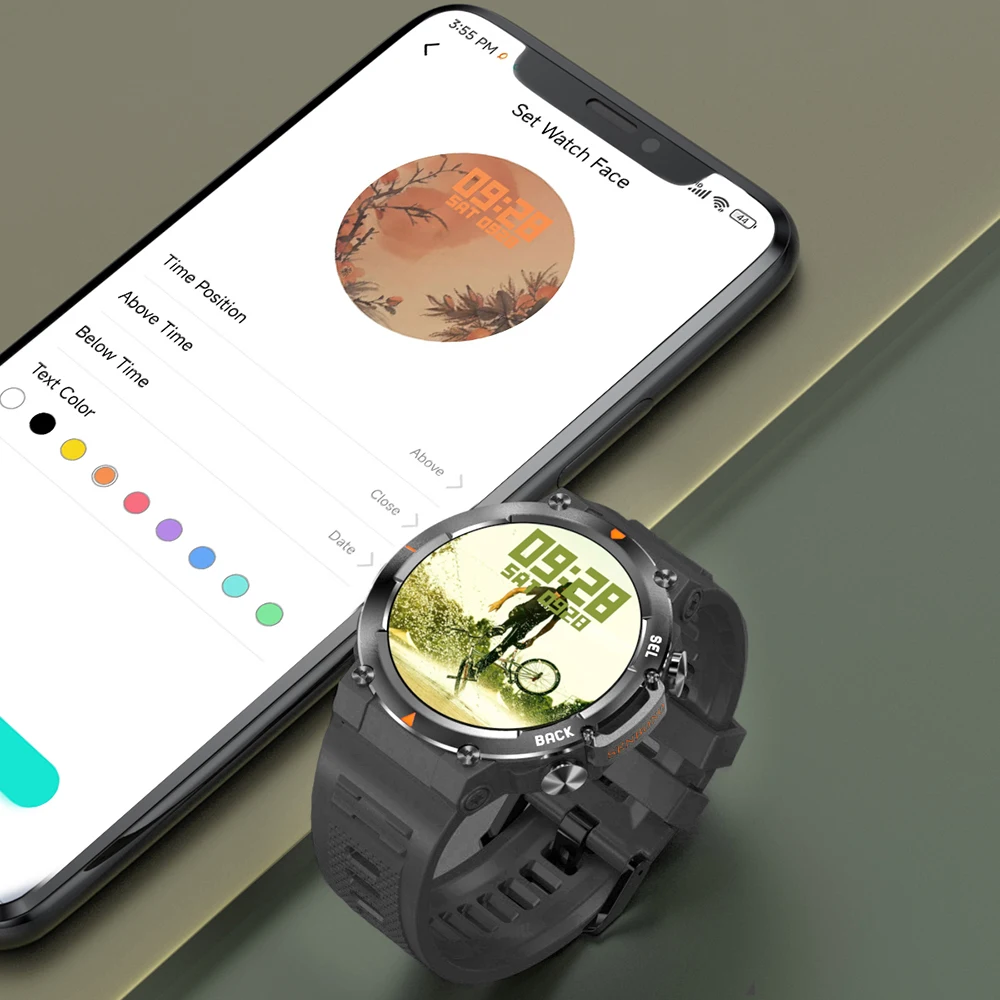
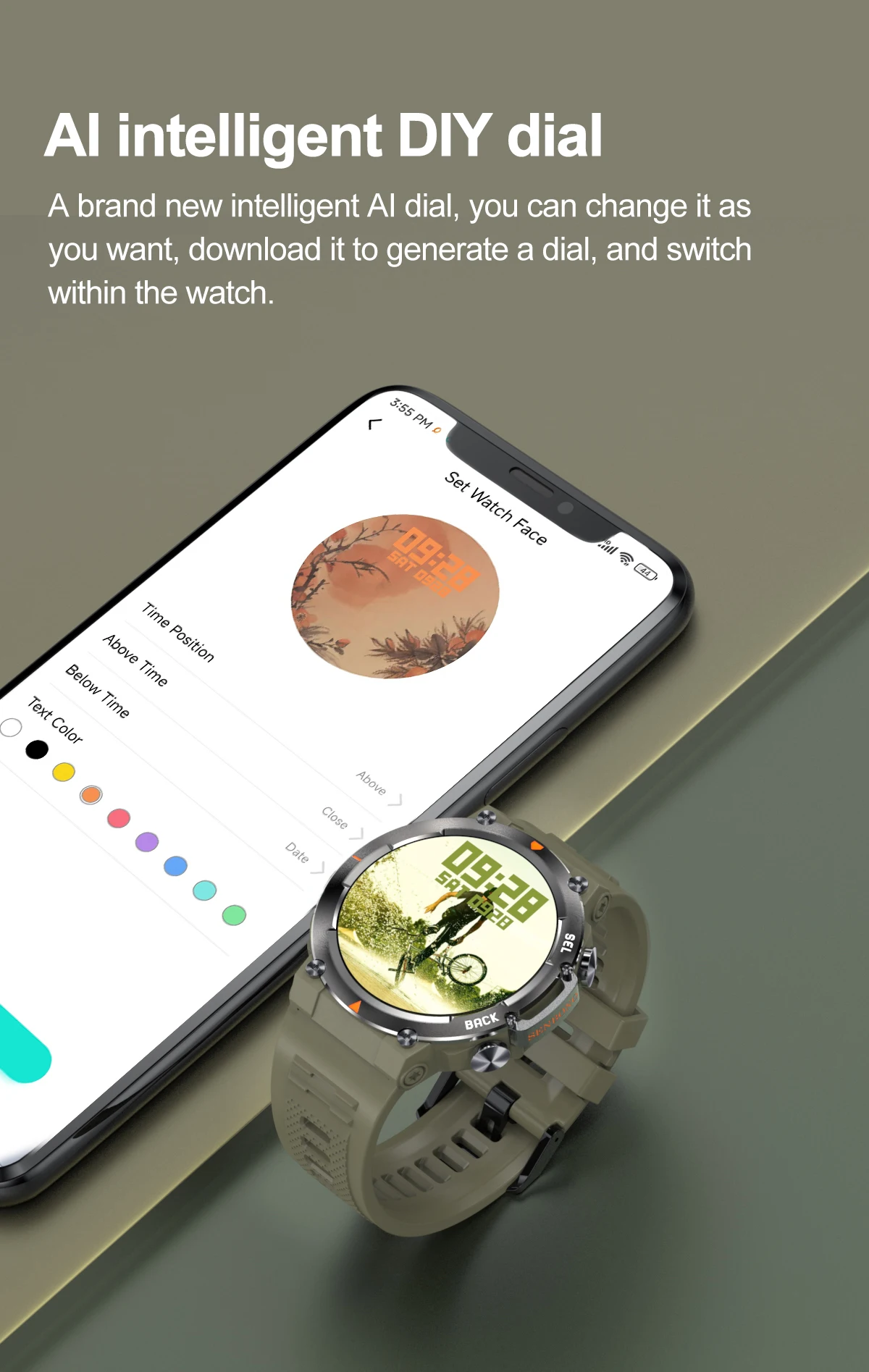
1. Download “Dafit” APP, and then link the watch and APP;
2. Turn on the "AI Watchface" function of the watch or the "AI Watch Face" function in the APP;
3. Use voice or text input to describe the photo you want;
4. The watch will generate photos based on your description, and you can choose the photo you think is most appropriate.
 NOTE: Because the AI function development time is short, the photos generated may not be what you want. This is normal. As the software functions are updated, they will become better and better. Please pay attention to software updates.
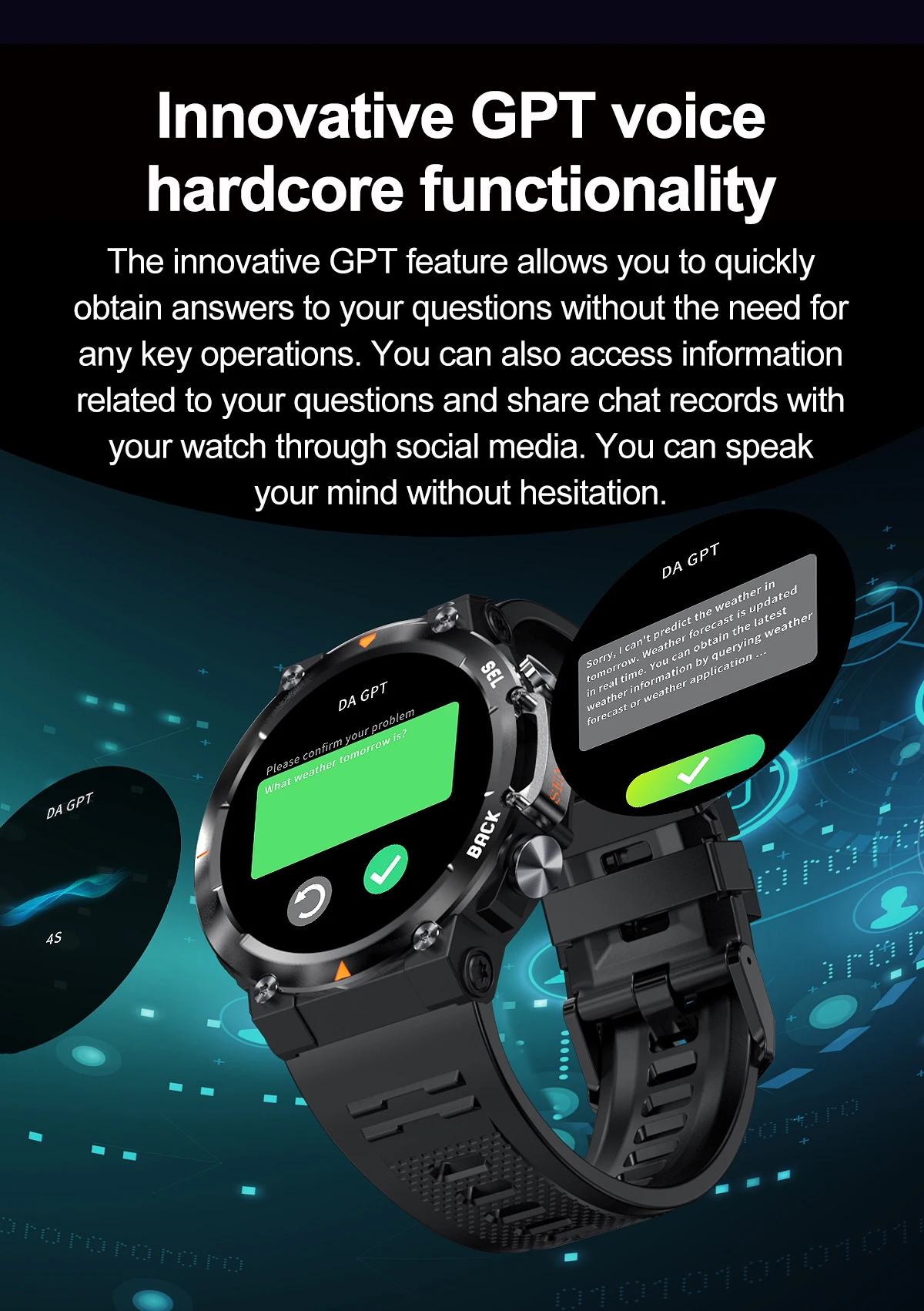
How to use DA GPT?
1. Download “Dafit” APP, and then link the watch and APP;
2. Turn on the "DA GPT" function of the watch or the "DA GPT" function in the APP;
3. Use voice or text input to describe the photo you want;
4. The watch will give corresponding answers
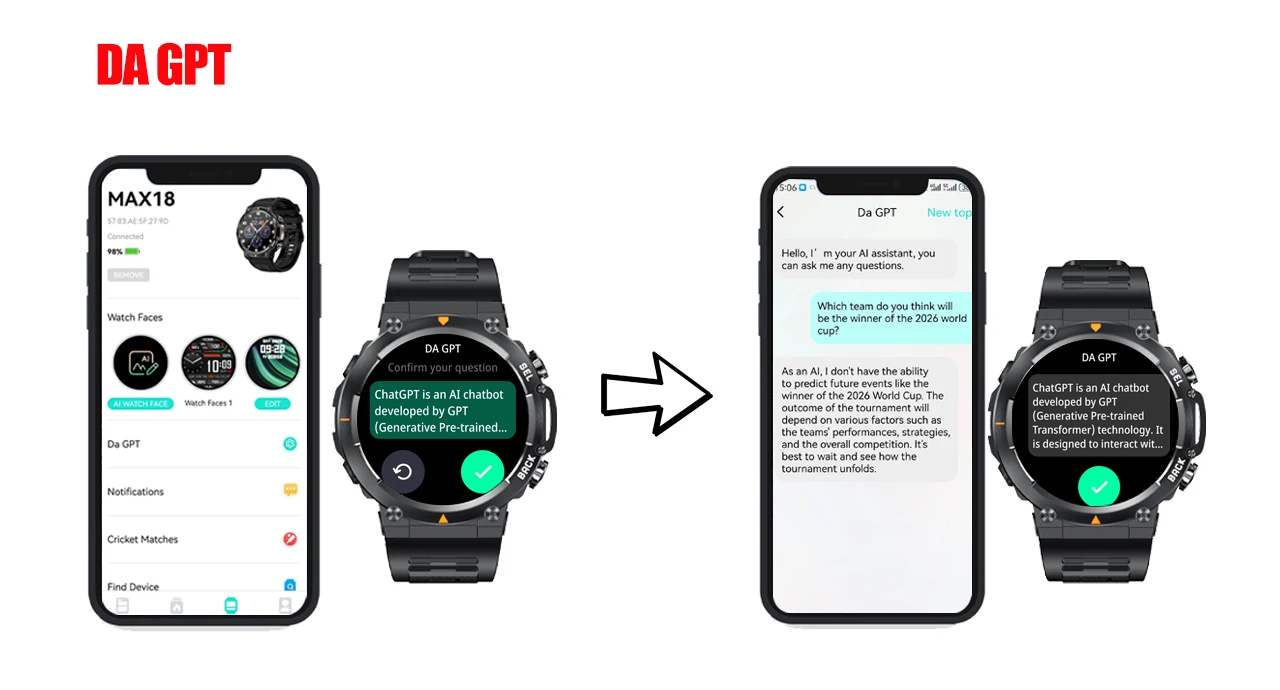 NOTE: Because the AI function development time is short, the answer may not be what you want. This is normal. As the software function is updated, it will become better and better. Please pay attention to software updates.










Reviews
There are no reviews yet.